
Modern companies generate massive amounts of data every day. Contracts, presentations, spreadsheets, customer records, and project files pile up quickly. Without a reliable system to store and manage these files, teams waste hours searching for documents, risk losing critical data, and struggle to collaborate effectively.
Cloud file storage for business solves these problems by moving your company’s files from local computers and physical servers to remote data centers accessible via the internet. Instead of buying expensive hardware, hiring IT staff to maintain servers, or worrying about hard drive failures, businesses can store their files securely online and access them from anywhere.
This guide explains everything you need to know about cloud file storage systems, from how they work to choosing the right solution for your organization.
What Is Cloud File Storage for Business
Cloud file storage is a service that lets businesses store their digital files on remote servers managed by third-party providers. Instead of saving documents to local hard drives or company-owned servers, employees upload files to the cloud where they’re stored across multiple data centers.
Traditional on-premises storage requires companies to purchase physical servers, set up network infrastructure, and maintain everything themselves. If a hard drive fails, you risk losing data unless you’ve implemented redundant backup systems. When you run out of space, you must buy additional hardware and configure it properly.
Cloud based file storage eliminates these headaches. The provider handles all infrastructure, maintenance, and upgrades. You simply pay a subscription fee based on how much storage you need and how many users require access.
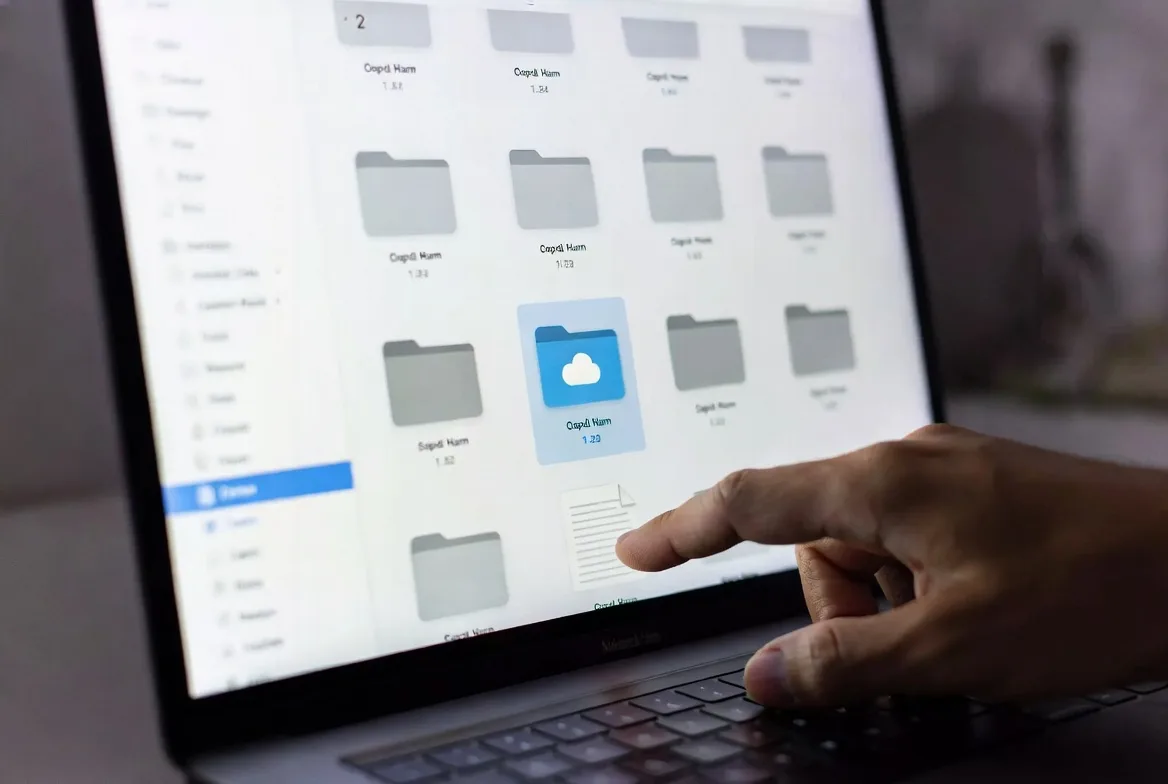
Access methods vary by provider but typically include web browsers, desktop applications, and mobile apps. An employee in New York can upload a sales proposal through their laptop’s desktop app. A colleague in Los Angeles can review and edit that same proposal minutes later using just a web browser. Another team member can view it on their smartphone while traveling.
The fundamental difference lies in ownership and responsibility. With on-premises storage, you own the hardware and bear all responsibility for keeping it running. With cloud storage, you rent space and access while the provider manages the technical infrastructure.
How Cloud File Systems Work for Companies
A cloud file system operates on distributed infrastructure spread across multiple geographic locations. When you upload a file, it doesn’t sit on a single server in one location. The provider typically replicates your data across several data centers to ensure availability and prevent data loss.
Behind the scenes, the provider’s infrastructure includes redundant servers, networking equipment, power systems, and cooling. These components work together to keep your files accessible 24/7. If one server fails, another automatically takes over without interrupting your access.
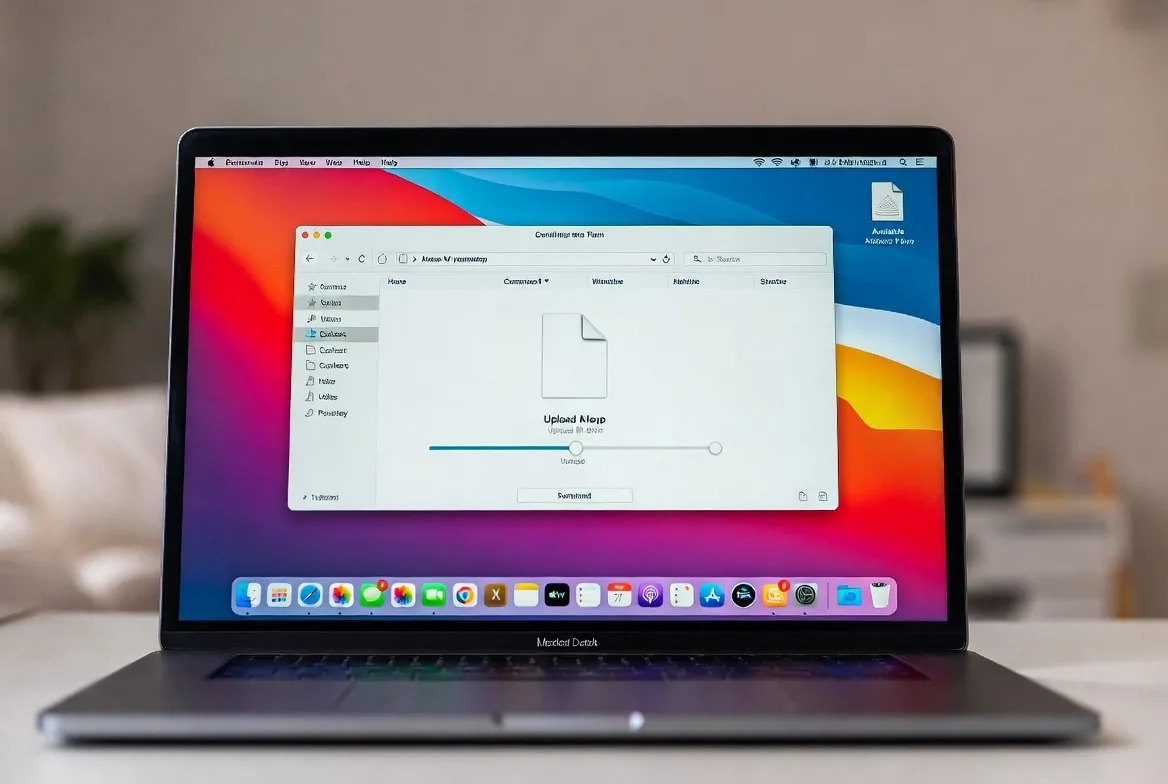
Data synchronization happens in real-time or near real-time depending on the service. When someone modifies a shared spreadsheet, the cloud file repository updates the master copy and pushes changes to other users who have that file open. Sophisticated conflict resolution algorithms handle situations where multiple people edit the same document simultaneously.
Accessibility extends beyond simple file viewing. Most cloud file systems include version history, allowing you to restore previous versions if someone makes unwanted changes. They track who accessed which files and when, creating audit trails for compliance purposes.
Security and encryption protect your data at multiple levels. Files are encrypted during transmission from your device to the cloud using protocols like TLS (Transport Layer Security). Once stored, providers encrypt data at rest using advanced encryption standards. Many services offer zero-knowledge encryption options where even the provider cannot decrypt your files without your encryption keys.
Authentication mechanisms control who can access your cloud file repository. Multi-factor authentication requires users to verify their identity through multiple methods—typically a password plus a code sent to their phone. Single sign-on integration allows employees to access cloud storage using the same credentials they use for other company systems.
Key Features to Look for in Business Cloud File Storage
Not all cloud storage services are created equal. Business-grade solutions offer features that consumer products lack. Understanding which capabilities matter most helps you select a system that meets your organization’s needs.
Storage Capacity and Scalability
Your storage requirements will grow over time. A company with ten employees today might have fifty next year. Projects accumulate files, and regulatory requirements may mandate keeping records for years.
Look for providers offering flexible scaling without complicated migration processes. Some services let you increase capacity with a few clicks and start paying for additional space immediately. Others require contacting sales teams and negotiating new contracts.
Pay attention to how providers measure storage. Some count only the actual file sizes. Others include version history, deleted files in trash folders, and metadata in their calculations. A 1TB plan might provide less usable space than you expect if the provider includes these extras.
Consider whether you need unlimited storage for certain users. Some plans offer unlimited space for a higher per-user cost, which makes sense if you have employees who work with large video files or extensive databases.
Access Controls and Permissions
Granular permission systems let you control exactly who can view, edit, share, or delete specific files and folders. Basic systems offer simple read/write permissions. Advanced cloud file management platforms provide role-based access control where you assign users to groups with predefined permission sets.
The ability to set expiration dates on shared links prevents sensitive documents from remaining accessible indefinitely. You share a contract with a client, set the link to expire in seven days, and the document becomes inaccessible after that period without any action required.
Remote wipe capabilities protect your data if an employee loses their laptop or phone. Administrators can remove all company files from that device remotely while leaving the employee’s personal files intact.
Watermarking features embed user information into documents when they’re viewed or downloaded. If a confidential file leaks, you can trace it back to who accessed it.
Integration With Business Tools
Cloud storage becomes significantly more valuable when it connects with the applications your team already uses. Native integrations with email platforms, project management tools, CRM systems, and productivity suites eliminate the need to constantly download and upload files.
For example, integration with your email system lets employees attach files directly from cloud storage instead of downloading them first. The recipient gets a link to the cloud-stored file rather than a copy, ensuring they always access the latest version.
API access allows custom integrations with proprietary business applications. Your development team can build workflows that automatically save certain files to specific cloud folders based on business logic.

Backup and Recovery Options
Business cloud file storage should include robust backup and recovery features. Version history lets you restore previous versions of files, but you also need protection against larger disasters.
Point-in-time recovery allows you to restore your entire cloud file system to a specific moment. If ransomware encrypts your files at 2 PM on Tuesday, you can roll everything back to 1 PM before the attack occurred.
Geo-redundant storage replicates your data across multiple geographic regions. If an entire data center goes offline due to natural disaster or infrastructure failure, your files remain accessible from other locations.
Configurable retention policies automatically delete old file versions after specified periods, helping you comply with data retention regulations while managing storage costs.
Cloud File Server vs. Traditional File Server
Choosing between cloud and traditional file servers involves weighing multiple factors. The following comparison highlights the key differences:
| Feature | Cloud File Server | Traditional File Server |
|---|---|---|
| Initial cost | Low (subscription-based) | High ($5,000-$50,000+ for hardware) |
| Maintenance | Provider handles all updates and repairs | Requires dedicated IT staff or contractors |
| Scalability | Instant scaling up or down | Must purchase and install new hardware |
| Remote access | Built-in from anywhere with internet | Requires VPN setup and configuration |
| Disaster recovery | Automatic geo-redundant backups | Must implement separate backup systems |
| IT resources required | Minimal (basic administration) | Significant (server management, security patches) |
Cost comparison extends beyond initial purchase prices. Traditional file servers require ongoing expenses for electricity, cooling, physical security, and replacement parts. A server might last five years before requiring replacement, meaning you’ll pay another large sum to maintain the same capability.
Cloud file servers charge predictable monthly or annual fees. You know exactly what you’ll pay each period based on your storage and user count. However, costs can increase if you don’t monitor usage carefully. Employees who save unnecessary files or forget to delete old projects can drive up expenses.
Maintenance requirements differ dramatically. On-premises servers need regular firmware updates, security patches, and hardware monitoring. Someone must physically check the equipment, replace failing hard drives, and ensure backup systems work correctly. Small businesses often lack the expertise to handle these tasks properly, leading to vulnerabilities.
Online file server for small business solutions eliminate maintenance burdens. The provider employs teams of specialists who monitor infrastructure, apply security updates, and replace hardware proactively. You benefit from enterprise-grade maintenance without hiring expensive IT staff.
Performance and reliability depend on several factors. Traditional servers on your local network offer fast access speeds when employees work on-site. However, remote workers face slower connections through VPNs, and the entire system goes down if your internet connection fails.
Cloud systems require reliable internet but often provide faster access for remote workers since they connect directly to geographically distributed data centers. Uptime guarantees typically promise 99.9% availability or better, meaning less than nine hours of downtime per year.
How to Choose Cloud File Storage for Your Business
Selecting the right cloud file storage for business requires analyzing your specific situation rather than simply choosing the most popular provider.
Start by assessing your company’s storage needs. Calculate how much data you currently have and estimate growth over the next three years. A marketing agency creating video content needs far more storage than an accounting firm managing spreadsheets and PDFs. Survey department heads to understand their file types, sizes, and projected growth.
Consider concurrent users versus total employees. If you have 100 employees but only 30 regularly access shared files, you might not need 100 licenses. Some providers charge per active user, others per total user, and some offer unlimited users with storage-based pricing.
Evaluate security and compliance requirements based on your industry and location. Healthcare organizations must comply with HIPAA regulations requiring specific encryption and access controls. Financial services firms face different requirements under regulations like SOC 2. European customers need GDPR-compliant providers.
Ask potential providers detailed questions about their security certifications, data center locations, and compliance support. A provider might claim HIPAA compliance but lack the business associate agreements required for healthcare use.
Team size and collaboration needs influence which features matter most. Small teams might only need basic file sharing and commenting. Larger organizations require sophisticated permission systems, workflow automation, and integration with multiple business applications.
Think about how your team actually works. If employees frequently collaborate on documents simultaneously, prioritize providers with strong real-time co-editing. If your team primarily shares finalized files, basic upload and download functionality might suffice.
Budget and pricing models vary significantly across providers. Some charge per user per month with unlimited storage. Others charge based on total storage consumed regardless of user count. Calculate costs under different scenarios to find the most economical option.
Watch for hidden fees. Providers might charge extra for API access, advanced security features, or technical support beyond basic email assistance. Factor in migration costs if you’re switching from another system—you might need to pay for data transfer or professional services to move files properly.
Test before committing. Most providers offer free trials or freemium tiers. Have a small group of employees test the system with real work for at least two weeks. They’ll discover usability issues and missing features before you commit to an annual contract.

Common Cloud File Management Mistakes to Avoid
Even organizations that choose appropriate cloud file storage solutions often undermine their effectiveness through preventable mistakes.
Poor access control setup creates security vulnerabilities and compliance violations. Companies grant overly broad permissions because it’s easier than thinking through who actually needs access to specific files. An intern might have view access to confidential financial records simply because they’re in the finance department’s shared folder.
Implement the principle of least privilege—users should only access files necessary for their specific job functions. Review permissions quarterly and revoke access when employees change roles or leave the company. One financial services firm discovered that 23% of their former employees still had active cloud storage access two years after departure.
Inadequate backup strategies defeat one of cloud storage’s primary benefits. Some organizations assume their cloud provider handles all backup needs without understanding what’s actually protected. Most providers protect against infrastructure failures but don’t protect against user errors or malicious deletions.
Implement a 3-2-1 backup strategy even with cloud storage: three copies of your data, on two different types of media, with one copy off-site. Your primary cloud file repository counts as one copy. Configure automatic backups to a second cloud service or local storage as additional protection.
Ignoring compliance requirements leads to expensive penalties and legal problems. A healthcare provider storing patient records in cloud storage without proper HIPAA safeguards faces fines up to $50,000 per violation. Multiply that by thousands of patient records and the penalties become catastrophic.
Research your industry’s specific requirements before selecting a provider. Document how your cloud file management system meets each requirement. Conduct regular audits to verify ongoing compliance as regulations evolve.
Lack of employee training wastes money and creates security risks. Employees who don’t understand how to use cloud storage properly will find workarounds that bypass security controls. They’ll email files instead of sharing links, create duplicate copies across multiple folders, or store sensitive data in personal consumer cloud accounts.
Provide comprehensive training when rolling out cloud storage. Cover not just how to upload and download files, but why certain security practices matter. Explain permission settings, sharing options, and version control. Offer refresher training annually and whenever you add new features.
The biggest mistake I see businesses make is treating cloud file storage as a simple replacement for their old file server without rethinking their entire approach to data management. They migrate their existing folder chaos to the cloud and wonder why they’re not seeing productivity improvements. Cloud storage enables new ways of working, but only if you’re willing to redesign your processes around its capabilities.
Michael Chen
FAQs
Modern business cloud file storage employs multiple security layers that typically exceed what small and medium businesses can implement on-premises. Providers use encryption during transmission and at rest, maintain SOC 2 and ISO 27001 certifications, employ dedicated security teams, and conduct regular penetration testing. However, security also depends on how you configure and use the system. Weak passwords, overly permissive sharing settings, and lack of multi-factor authentication can undermine even the most secure infrastructure. For highly sensitive data, consider providers offering zero-knowledge encryption where only you hold the decryption keys.
Pricing varies widely based on storage capacity, user count, and features required. Basic plans start around $5-10 per user per month for 1TB of storage with standard features. Mid-tier business plans typically cost $15-25 per user monthly and include advanced security, unlimited storage, and better support. Enterprise plans with custom features, dedicated support, and compliance certifications can exceed $35 per user monthly. Storage-based pricing (rather than per-user) ranges from $5-15 per TB per month. A ten-person company with moderate storage needs might pay $150-250 monthly, while a fifty-person organization could pay $750-1,250 depending on requirements.
Most business cloud storage solutions offer selective sync features that download chosen files and folders to local devices for offline access. Employees can work on these files without internet connectivity, and changes automatically sync when they reconnect. However, offline access has limitations—you can only access files you’ve specifically downloaded, and real-time collaboration obviously requires connectivity. The amount of offline storage available depends on your device’s local storage capacity. Some providers offer smarter offline modes that automatically cache recently accessed or frequently used files while removing older items to manage space efficiently.
Reputable business cloud storage providers maintain 99.9% or higher uptime guarantees, meaning outages should be rare and brief. During outages, you cannot access files stored exclusively in the cloud, which can disrupt operations. This is why maintaining local backups of critical files remains important even with cloud storage. Most providers offer service level agreements (SLAs) that provide credits or refunds if they fail to meet uptime commitments. To minimize risk, choose providers with geo-redundant infrastructure that automatically failover to backup data centers during outages. Some organizations use multiple cloud providers for critical data, though this increases complexity and cost.
Migration requires careful planning to avoid data loss and minimize disruption. Start by auditing your current file server to identify what actually needs migration—many organizations discover that 30-40% of stored files are obsolete duplicates or outdated versions. Clean up before migrating to reduce costs and complexity. Most cloud providers offer migration tools that copy files while preserving folder structures, permissions, and metadata. For large migrations, schedule transfers during off-hours and migrate in phases by department or project. Test thoroughly with a small subset of data first. Plan for a transition period where both systems run simultaneously, allowing employees to adapt gradually. Document the new folder structure and naming conventions, then train employees before cutting over completely.
Basic cloud file storage administration doesn’t require dedicated IT staff—most small businesses manage successfully with a designated administrator who handles user provisioning, permission management, and basic troubleshooting. However, larger organizations or those with complex requirements benefit from IT involvement for initial setup, integration with existing systems, security configuration, and ongoing optimization. The level of IT resources needed depends on factors like company size, compliance requirements, and how extensively you integrate cloud storage with other business applications. Many businesses use a hybrid approach where they handle routine administration internally but engage consultants or managed service providers for specialized tasks like migration, custom integrations, or compliance audits.
Cloud file storage has evolved from a convenient backup option to an essential business infrastructure component. Companies that implement it thoughtfully gain significant advantages: lower IT costs, improved collaboration, better disaster recovery, and the flexibility to support remote work.
The key to success lies in matching your specific needs with the right provider and features. A five-person startup has different requirements than a 500-employee enterprise. Take time to assess your storage capacity needs, security requirements, collaboration workflows, and budget constraints before committing to a solution.
Avoid common pitfalls by implementing proper access controls from the start, maintaining backup strategies beyond your primary cloud storage, ensuring compliance with industry regulations, and training employees thoroughly. These foundational practices determine whether cloud storage becomes a productivity multiplier or a source of frustration and risk.
The cloud storage market continues maturing with new capabilities emerging regularly. Artificial intelligence-powered search, automated data classification, and enhanced security features make modern cloud file systems more powerful than ever. By choosing wisely and implementing carefully, your business can leverage these tools to work more efficiently and compete more effectively in an increasingly digital economy.